
Home / Business card size
Printing guide
Business card size: the standard dimensions
The standard business card size in the United States is 3.5 by 2 inches, which is 89 by 51 millimeters. At 300 dpi that is 1,050 by 600 pixels. Set your file up at 3.75 by 2.25 inches so it carries a 0.125 inch bleed on every side, and keep text at least 0.125 inch inside the trim line.
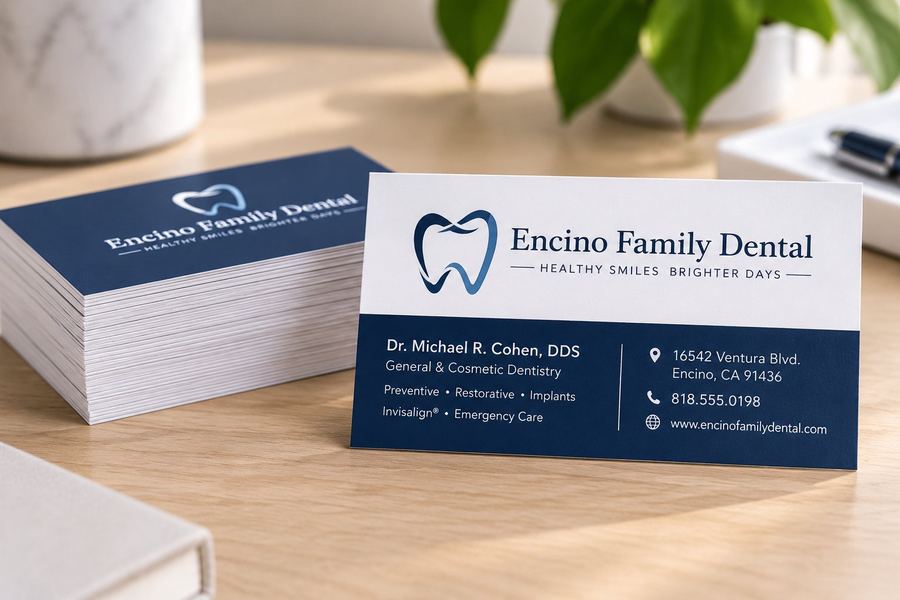
Standard business card size chart
Every number you need for a standard card, in the units your design program asks for.
| Trim size (finished card) | 3.5 x 2 in, 89 x 51 mm, 1,050 x 600 px at 300 dpi |
|---|---|
| With bleed (file size) | 3.75 x 2.25 in, 95 x 57 mm, 1,125 x 675 px at 300 dpi |
| Safe zone (keep text inside) | 3.25 x 1.75 in, 83 x 44 mm |
| Bleed on each side | 0.125 in (3 mm) |
| Aspect ratio | 1.75 to 1 |
| Thickness | 14 pt or 16 pt cardstock, 0.014 to 0.016 in |
Why the file is bigger than the card
A card is printed on a large sheet and cut down. The cutter can drift a hair in either direction, so any color or photo that runs to the edge has to extend 0.125 inch past the trim line. That extra strip is the bleed, and it gets cut off. Without it, a cut that drifts outward leaves a thin white edge on the card.
The same drift means text near the edge can get clipped. Keep names, phone numbers and logos at least 0.125 inch inside the trim, which is the safe zone.
Other business card sizes
Square cards run 2.5 by 2.5 inches. Slim cards run 3.5 by 1.5 inches, or 3.5 by 1.75. Folded cards are 3.5 by 4 inches flat and fold to the standard 3.5 by 2. Rounded corners keep the same size with a 0.125 or 0.25 inch radius on each corner.
Outside the US, the common size is 85 by 55 mm in the UK and most of Europe, 91 by 55 mm in Japan, and 90 by 55 mm in Australia. If your card needs to fit a wallet slot or a holder bought abroad, check which one it was made for.
Setting up the file
In Adobe Illustrator or InDesign, make a new document at 3.5 by 2 inches and set the bleed to 0.125 inch on all sides. Export a PDF with crop marks and bleed included. In Canva, choose the Business Card template, then turn on Show print bleed under File and Settings, and when you download choose PDF Print with Crop marks and bleed checked.
In Word, set the page size to 3.75 by 2.25 inches, since Word has no bleed setting, and run the background all the way to the page edge. Save as PDF. Photos should have 300 pixels per printed inch, so a small logo pulled from a website may have too few pixels for a sharp card. Send the logo as a vector PDF when you have one, since vectors stay sharp at any size.
Stock and finish
Thickness is measured in points, where 1 point is one thousandth of an inch. A 14 pt card is the standard sturdy card. A 16 pt card is noticeably stiffer. Our business cards run on 14 pt matte, 16 pt gloss, or uncoated cotton stock, and we also print silk laminated and plastic cards.
Files in by 10 AM are usually ready by 3:30 PM the same day at our shop in Encino. We keep your file on record so a reorder is one email or call.
Quick answers
People also ask
3.5 by 2 inches. That is the finished, trimmed card.
3.75 by 2.25 inches, which is the card plus a 0.125 inch bleed on each side. Keep text 0.125 inch inside the trim.
1,050 by 600 pixels at 300 dpi for the trimmed card, or 1,125 by 675 pixels with bleed.
89 by 51 mm in the US. Most of Europe uses 85 by 55 mm.
14 pt is the standard sturdy card. 16 pt is stiffer and feels more premium. Both are in stock here.
Print it here
What this guide leads to
More printing guides: