
Home / What is duplex printing
Printing guide
What is duplex printing?
Duplex printing means printing on both sides of the same sheet of paper. It is also called double sided printing. A duplex printer flips the sheet itself. Without that feature you print one side, turn the stack over, and feed it back. Duplex cuts the paper by up to half and keeps a document thinner.
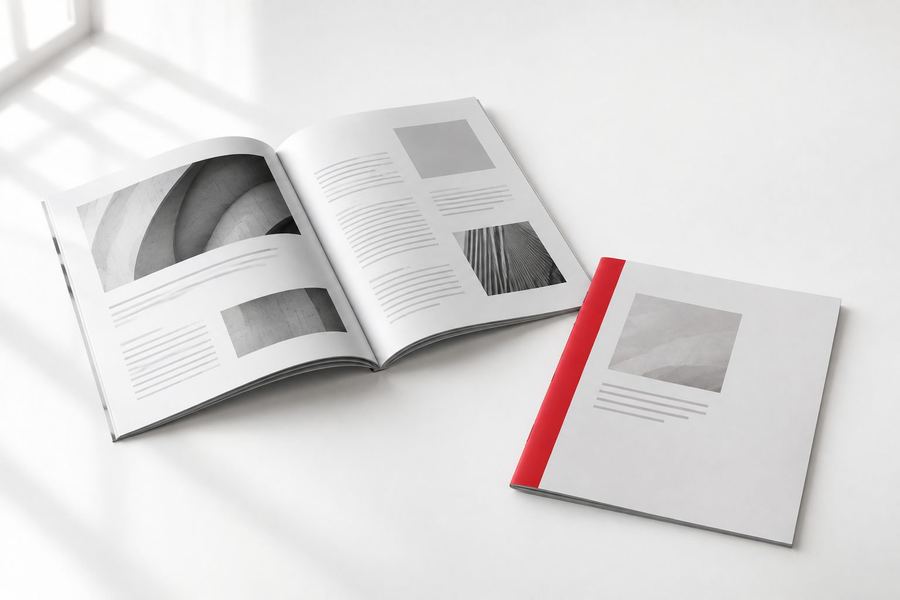
Long edge vs short edge
When you turn on duplex, the printer asks which edge to flip on. That decides whether the back side comes out right side up.
| Flip on long edge | For portrait pages bound on the side, like a report or a stapled letter. Turns like a book page |
|---|---|
| Flip on short edge | For portrait pages bound at the top, like a wall calendar, and for landscape sheets that fold into a booklet |
| Wrong choice | The back side prints upside down relative to the front |
Duplex vs collate
Duplex and collate are two separate settings. Duplex is about using both sides of the sheet. Collate is about keeping each copy's pages in order. A 20 page report printed duplex and collated comes out as 10 sheets per copy, in order, ready to staple.
How to turn on duplex printing
Windows: open Print, choose Printer Properties or More settings, and pick Print on both sides, or Two-sided. Mac: open Print and turn on Double-sided (on older macOS versions, it sits under Layout as Two-Sided). Word: in the Print pane, change Print One Sided to Print on Both Sides. Adobe Acrobat: check Print on both sides of paper.
If the option is missing, check the printer driver settings first, since duplex is sometimes switched off there, then the printer's specs. Printers without automatic duplex often offer manual duplex: it prints the odd pages, you reload the stack, and it prints the even pages.
When to print double sided
Use duplex for anything read like a book: reports, handouts, booklets, menus and manuals. It also makes sense for postcards and business cards, which almost always print on both sides. Keep single sided for anything posted on a wall, anything with a tear off, or forms where the back must stay blank.
On thin paper, heavy ink can show through to the other side. Heavier text weight paper or cardstock cuts that down.
Double sided printing at our shop
At The Printing House in Encino, tell us which pages go front and back when you send the file.
Quick answers
People also ask
Printing on both sides of the sheet, also called double sided or two sided printing.
Long edge flips like a book page, for portrait documents. Short edge flips top to bottom, like a wall calendar.
The wrong flip edge was chosen. Switch between long edge and short edge and print again.
Yes. It saves up to half the sheets that single sided printing would use for the same number of pages.
No. Duplex prints both sides of a sheet. Collate keeps each copy's pages in order.
Print it here
What this guide leads to
More printing guides: